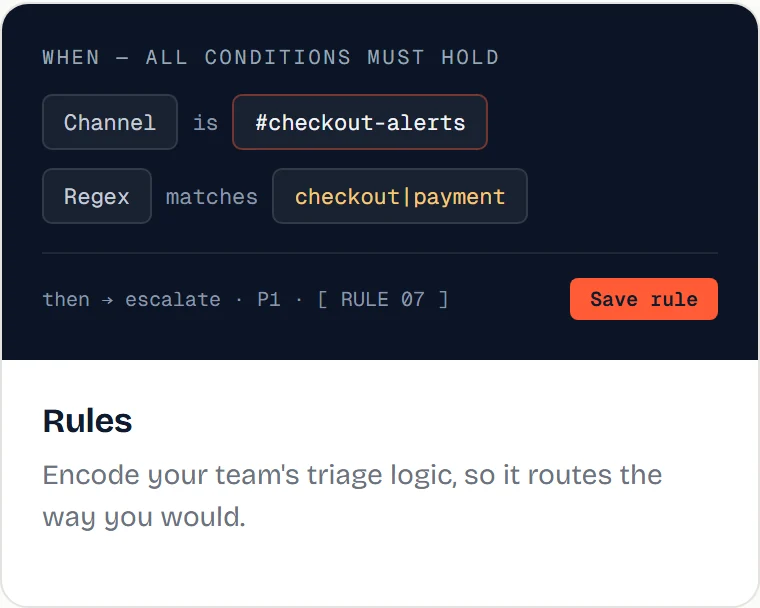
Rules
Rules encode your team’s triage logic, so Qalibr routes and prioritizes the way you would.
- Conditions — match on signals like channel, sender, keywords or regex, label, or severity.
- Actions — for example, escalate severity, set priority, route to a specific place, or suppress noise.
- Order — rules apply by priority; the dashboard shows which fired.
- Plan limits — Starter includes 2 rules; Growth and above are unlimited. Rules above your plan’s cap after a downgrade are shown as Dormant · plan limit (kept, not deleted). See Plans & pricing.
Rules are how judgment becomes your judgment. Start with one or two for your noisiest channel.