Approve, reject & edit
This is the core loop. Qalibr never changes your tracker on its own — every bug waits in Review until you make the call. For each report you can:
- Approve — routes it to your tracker, as a new ticket or linked to a duplicate. Qalibr confirms with the ticket it created (for example, Approved · routed to ENG-412).
- Edit before create — open the draft with the pencil beside the Report
heading and fix the title, description, or severity, then approve. What you
see is exactly what lands in your tracker; nothing is invented on your behalf.
A severity you set by hand is marked
Δand stands until you change it. - Reject — drop the report. A short reason is required, and nothing is created.
- Handle a duplicate — when Qalibr surfaces candidates, choose Link to this, Reopen as duplicate, Reject as duplicate, or Route as new. See Duplicate detection.
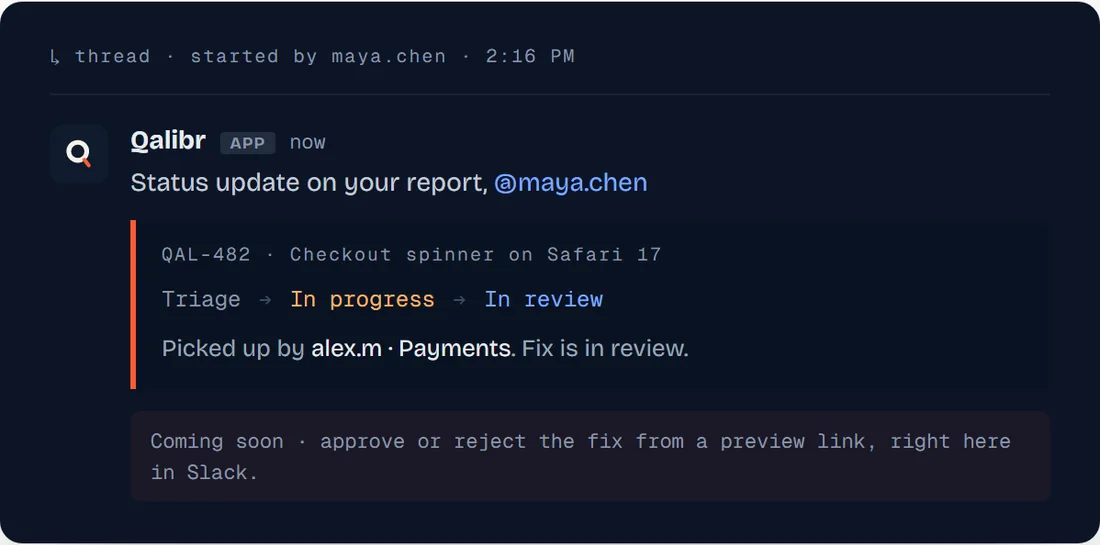
- Approve from Slack — use the approval card Qalibr posts in the thread. It stays in sync with the dashboard and confirms the result in-thread too.
Slack shows you the duplicate candidates Qalibr found, but choosing between them — link, reopen, reject as duplicate, route as new — happens in the dashboard.
Decisions are idempotent. If a teammate already approved a bug from Slack while you clicked Approve in the dashboard, Qalibr recognizes it’s already handled rather than creating a duplicate ticket.
Approving is also how you calibrate Qalibr — every decision teaches it your team’s bar for what matters. See Calibration.